Learning how to move in Roblox is the first step to enjoying its vast universe. This guide provides essential navigational and informational insights for players in the United States, helping you master character controls. From walking and running to jumping and interacting, understanding these core movements unlocks endless adventures. Whether you are exploring massive open worlds, engaging in minigames, or building your own experiences, knowing how to move your avatar precisely is crucial. We cover everything from keyboard shortcuts for PC players to touch controls for mobile users, ensuring everyone can navigate Roblox with ease. Get ready to explore, build, and play like a pro by mastering the fundamental art of movement in Roblox.
How do I move forward and backward in Roblox?
On PC, press 'W' to move your character forward and 'S' to move backward. Alternatively, you can use the 'Up Arrow' key for forward movement and the 'Down Arrow' key for backward. These are the standard controls for navigating your avatar in most Roblox games and experiences seamlessly.
What key is used for jumping in Roblox on a computer?
The spacebar key is universally used for jumping in Roblox on a computer. Pressing it will make your character leap into the air, allowing you to clear obstacles, reach higher platforms, or simply add some bounce to your step. It is a fundamental action for navigation.
How do I rotate my camera view in Roblox?
To rotate your camera view in Roblox, hold down the right mouse button and drag your mouse. This allows you to freely look around your environment, providing crucial spatial awareness and helping you scout your surroundings. It is essential for exploration and strategic gameplay in many experiences.
Are there different movement controls for mobile Roblox players?
Yes, mobile Roblox players use touch controls. A virtual joystick appears on the screen for movement, while swiping your finger across the screen rotates the camera. Dedicated buttons are usually present for actions like jumping and sprinting, adapting the PC experience for touch devices effectively.
What if my Roblox character is stuck and cannot move?
If your Roblox character is stuck, first try wiggling your controls. If that fails, open the in-game menu (often by pressing 'Esc' on PC) and look for a 'Reset Character' or 'Respawn' option. This usually teleports your character back to a safe spawn point, resolving most movement issues quickly.
How do I use my mouse to move in Roblox?
While your mouse primarily controls the camera in Roblox, some games allow clicking to move or interacting with objects. However, for direct character movement (walking, running), the keyboard (WASD or arrows) is typically used. Your mouse's main role is to adjust your perspective, offering better situational awareness.
Understanding how to move in Roblox is fundamental for every player. It is the very first step to exploring the incredible worlds available to you. From sprawling cities to challenging obbys, knowing your controls is essential for seamless gameplay.
This comprehensive guide will help you master all the ways to move your avatar. We will cover basic movements, camera controls, and even advanced tips. Get ready to navigate Roblox like a true expert in 2026!
How to Move in Roblox: The Basics of Navigation
Moving your character in Roblox is usually quite intuitive, especially for PC users. The most common method involves using your keyboard. You will use specific keys to direct your avatar through the game environment.
For PC players, the WASD keys are your best friends. 'W' moves you forward, 'S' moves you backward, 'A' moves you left, and 'D' moves you right. These controls are standard across many PC games, making them familiar to most gamers.
Additionally, the arrow keys can also be used for movement. The up arrow moves you forward, the down arrow moves you backward, the left arrow moves you left, and the right arrow moves you right. Choose whichever feels most comfortable for your gaming style.
Mastering Roblox Movement: Beyond Simple Steps
Beyond basic walking, Roblox offers several ways to enhance your character's movement. These additional controls help you navigate complex terrains and interact more effectively with game elements. Mastering them will significantly improve your overall gameplay experience.
Jumping in Roblox: To make your avatar jump, simply press the spacebar key on your keyboard. Jumping is crucial for overcoming obstacles, reaching higher platforms, and dodging incoming threats.
Sprinting in Roblox: Need to get somewhere fast? Hold down the 'Shift' key while moving to make your character sprint. Sprinting allows for quicker traversal, which is vital in races or when escaping danger.
Camera Controls: Controlling your view is as important as moving your character. Use your mouse to rotate the camera around your avatar. Holding down the right mouse button lets you freely look around, giving you a better perspective of your surroundings.
Why Understanding Movement Matters in Roblox
Knowing how to move in Roblox is more than just getting from point A to point B. Precise movement allows for better strategy in games like obbys or combat. It enhances your ability to explore hidden areas and interact with objects. Efficient movement can be the difference between winning and losing in many Roblox experiences.
It also makes the entire experience more enjoyable and less frustrating. When you are confident in your controls, you can fully immerse yourself in the creative worlds. So, take the time to practice these movements!
Essential Roblox Movement Controls for USA Players
Here is a quick reference table for common movement controls in Roblox, ensuring you are always on the right track:
| Action | PC Keyboard Control | Mobile Touch Control |
|---|---|---|
| Move Forward | W / Up Arrow | Tap and Drag Joystick Up |
| Move Backward | S / Down Arrow | Tap and Drag Joystick Down |
| Move Left | A / Left Arrow | Tap and Drag Joystick Left |
| Move Right | D / Right Arrow | Tap and Drag Joystick Right |
| Jump | Spacebar | Tap Jump Button |
| Sprint | Shift (while moving) | Tap Sprint Button / Icon |
| Rotate Camera | Mouse Movement (Right-click and Drag) | Drag Finger Across Screen |
What Others Are Asking?
How do you move your character in Roblox on PC?
On PC, you typically move your character using the WASD keys. 'W' moves forward, 'A' moves left, 'S' moves backward, and 'D' moves right. Alternatively, you can use the arrow keys for directional movement. The spacebar is used to jump, and holding 'Shift' allows your character to sprint, enabling faster travel across game worlds.
Why can't I move my character in Roblox?
If you cannot move your character in Roblox, several issues might be at play. Check your keyboard or device connection first. Sometimes, the game might be frozen or experiencing a temporary glitch. Try resetting your character in the game menu or restarting Roblox completely. It could also be a script issue within a specific game preventing movement temporarily.
What are the basic Roblox controls for beginners?
For beginners, the basic Roblox controls are simple. Use WASD or arrow keys to move your character. Press the spacebar to jump. Your mouse controls the camera view; hold the right mouse button to freely look around. These fundamental actions allow you to navigate most Roblox games effectively, providing a solid foundation for new players.
Can you move with a controller on Roblox?
Yes, you can move with a controller on Roblox. Many games support Xbox controllers natively on PC and console versions. Typically, the left analog stick controls character movement, while the right analog stick manages the camera view. Buttons like 'A' (on Xbox) or 'X' (on PlayStation) are commonly used for jumping and interacting, offering an alternative control scheme.
How do I make my Roblox character run faster?
To make your Roblox character run faster, hold down the 'Shift' key on your keyboard while moving with WASD or arrow keys. This action triggers your character's sprint ability, significantly increasing their movement speed. Some games might also offer in-game power-ups or perks that temporarily boost your running speed even further.
FAQ
Who needs to know how to move in Roblox?
Every Roblox player, from new beginners to experienced veterans, needs to know how to move efficiently. This foundational skill allows everyone to participate fully in games, explore worlds, and interact with the environment effectively. It is the core of the Roblox experience.
What is the primary way to move in Roblox?
The primary way to move in Roblox on PC is using the WASD or arrow keys for directional control. On mobile devices, a virtual joystick on the screen typically handles character movement. These are the most common and intuitive methods for navigating the game.
Why is it important to learn Roblox movement controls?
Learning Roblox movement controls is vital for successful gameplay and immersion. It enables players to navigate complex obstacles, engage in competitive experiences, and fully explore diverse game worlds without frustration. Good movement skills enhance your overall enjoyment and performance.
How do I jump and sprint in Roblox?
To jump in Roblox, simply press the spacebar on your keyboard or tap the dedicated jump button on mobile. To sprint, hold down the 'Shift' key while moving on PC, or use a specific sprint button/icon on mobile devices. These actions enhance your agility and speed.
Summary of Key Points about how to move in roblox
Mastering how to move in Roblox is your gateway to endless fun and adventure. From using WASD or arrow keys for basic movement to pressing the spacebar for jumping and 'Shift' for sprinting, these controls are your essential tools. Understanding camera movement with your mouse is also crucial. Practicing these fundamental actions will empower you to explore, compete, and build within the expansive Roblox universe with confidence and precision. Get ready to enjoy every moment!
Master Roblox movement with keyboard and mouse. Understand basic controls like WASD and arrow keys. Learn jumping, running, and camera navigation. Utilize shift to sprint and spacebar to jump. Practice precise character control for better gameplay.
35



Definitive Guide To Roblox 2026 Infinity TM 07169 Definitive Guide To Roblox 2026 3 . What Will Roblox Look Like In 2026 Blog Graphics 26 . How To Move Your Character In Roblox Games YouTube . 2026 Logo In Roblox YouTube Maxres2 . How To Move In Roblox On Laptop WASD Arrow Key Movement Explained



Click To Move Roblox YouTube . How To Move In Roblox On A Laptop A Fun Guide For New Players Playbite How To Move In Roblox On Laptop 1024x576 . How To MAKE A Moving Platform In Roblox YouTube . A Roblox Movie 2026 Teaser Trailer YouTube . How To Use CLICK TO MOVE In ROBLOX Quick Easy YouTube


How To Move A Part In Roblox Studio YouTube . 100 Unofficial Roblox Annual 2026 Brand New For 2025 The Iconic SL1500 . Roblox 2026 YouTube Oar2 . The ROBLOX Movie 2026 Official Teaser Trailer YouTube Hqdefault . How To Move Your Head In Roblox A Simple Guide Playbite How To Move Your Head In Roblox 1024x576


Roblox 2026 YouTube Oar2 . Move And Rotate Issues In ROBLOX Studio How To Fix Create Your Own Hqdefault . How To Make A Moving Part In Roblox 2024 YouTube . ROBLOX EM 2026 VAI MUDAR TUDO YouTube . How To Make A MOVING Part In ROBLOX Studio New YouTube


Calendar Club Definite Guide To Roblox 2026 Annual 1200x1769 . Roblox The Movie 2026 V1 . Roblox 2026 New Logo REVEAL First Look At The Future Shorts YouTube Oar2 . Roblox 2026 Logo YouTube Oardefault . How To Make A Smooth Moving Part In Roblox Studio UPDATED 2023 YouTube


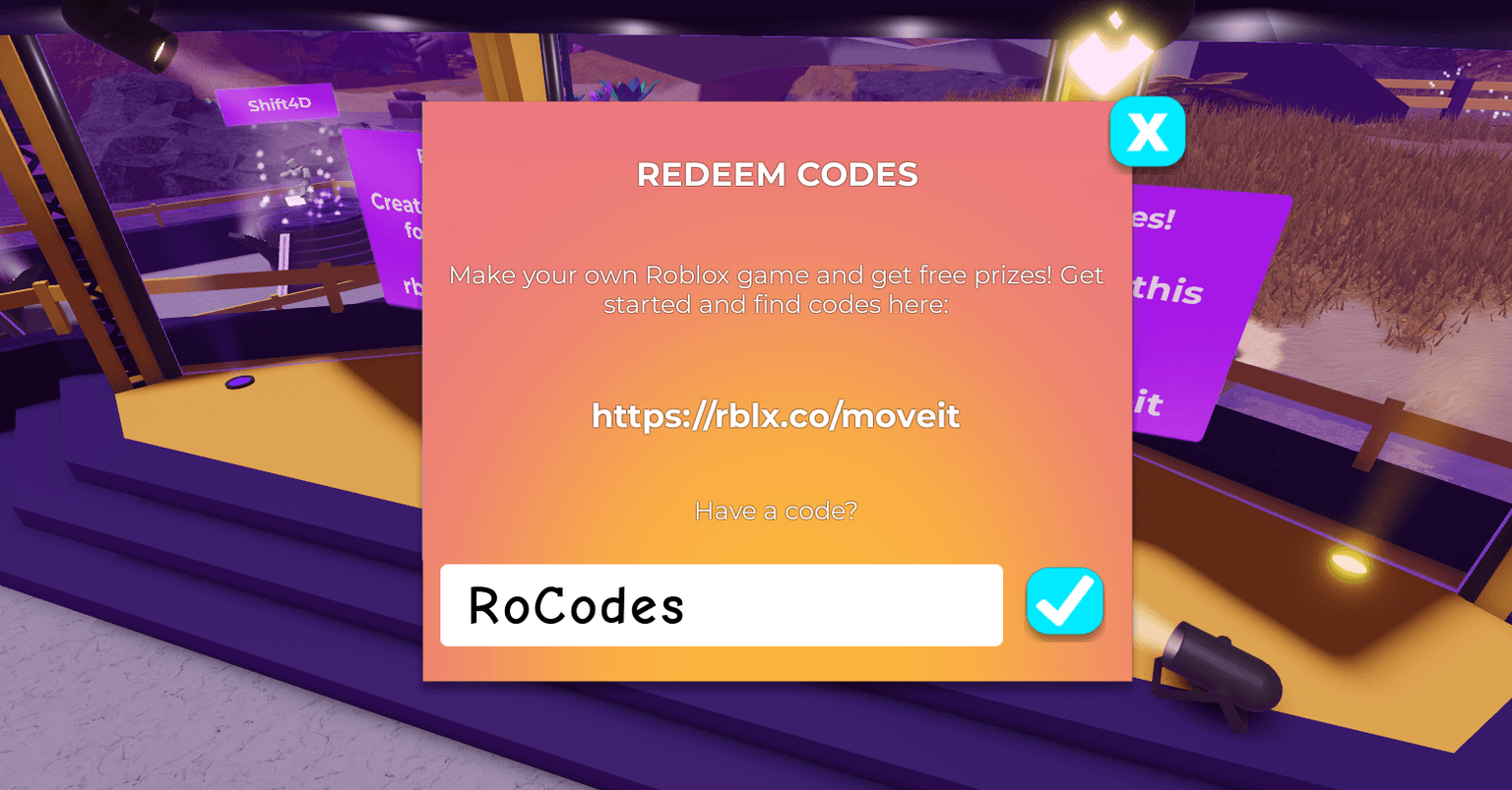
How To Move Parts Easy And Smoothly In Roblox Studio YouTube . Roblox In 2026 YouTube . How To Dash In Rivals Roblox 2026 FAST GUIDE YouTube . Island Of Move Codes January 2026 RoCodes 1232 Roblox Island Of Move Promo Codes . Medved From 2026 Roblox NoFilter


HOW TO MOVE A MODEL Roblox Scripting Tutorial YouTube . How To Make A MOVING PART Roblox Studio Scripting YouTube . How To Make A Moving Part With Moving Player Roblox Studio Tutorial . How To Join A Group In Roblox 2026 Join Roblox Community Easy . How To ADD ANIMATION TO MOVING NPC Roblox Studio Tutorial YouTube